Redeeming a promo code
Got a promo code? Here is how to redeem it in the app.
Redeeming a code
Open the side navigation
Open the app and open the side navigation from the home view.
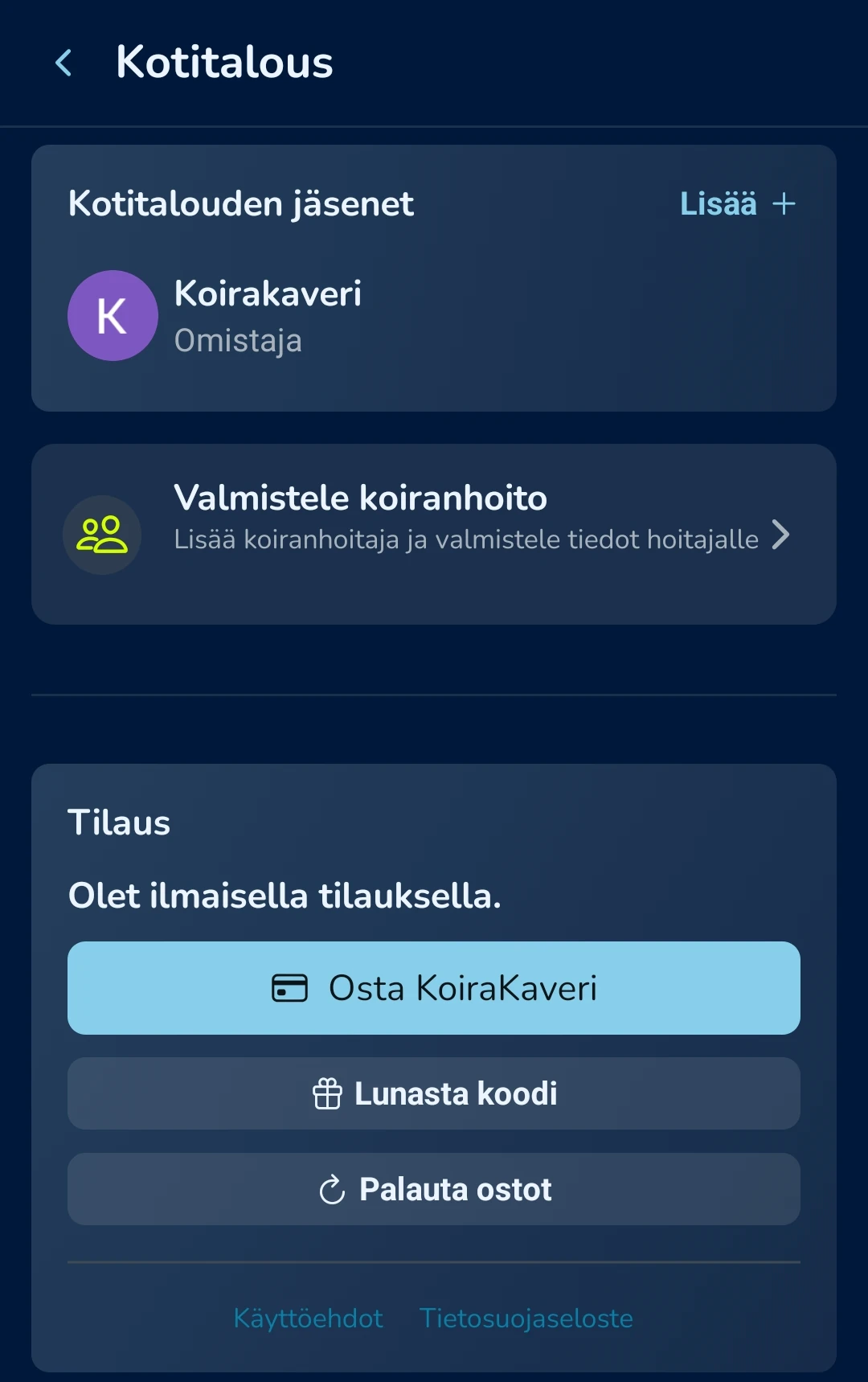
Choose Household
Select Household from the menu.
Redeem Code
Go to Subscription Management and choose Redeem Code.
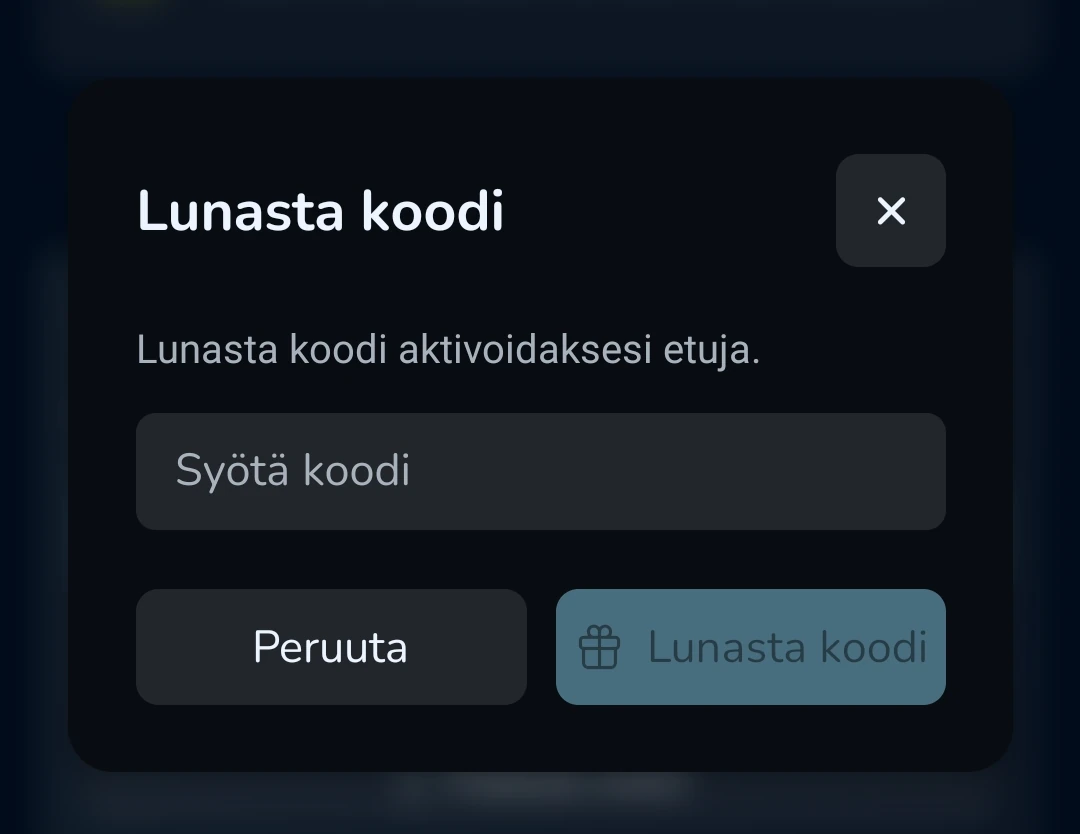
Enter the code
Type the promo code into the field and confirm.
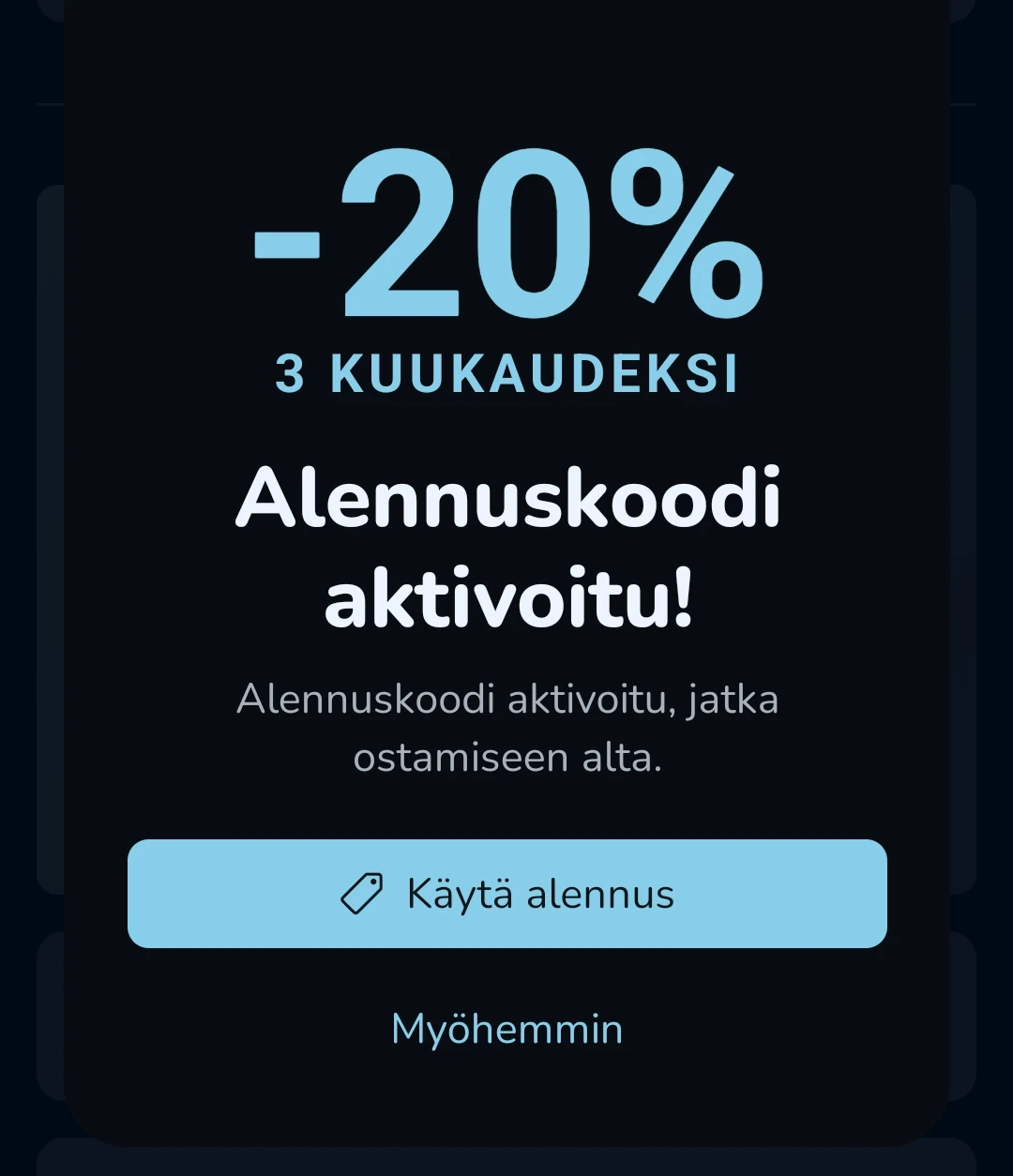
Activate the offer
If the code works, you will see a message explaining what the code gives you. Press Use code and you will be taken to the purchase page, where you can activate the Google Play Store or Apple App Store purchase flow.
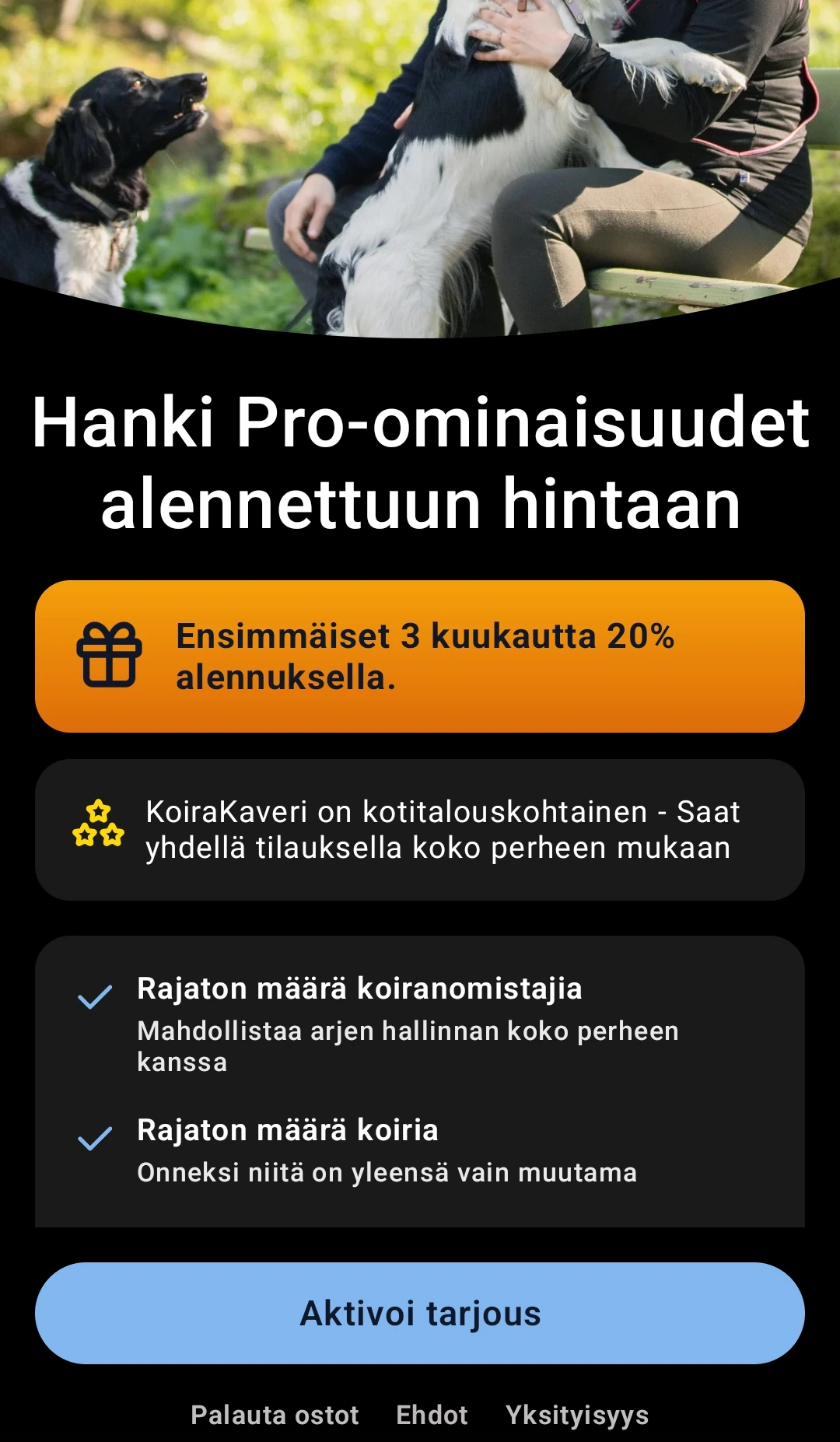
Note: If you still have free use remaining, you can wait until it expires. The code remains active for you.
Using the code later
If you use the code later, you can activate it like this:
Open the side navigation
Open the app and open the side navigation from the home view.
Press "Offer activated"
You will see Offer activated at the bottom. Press it.
Use the offer
You may see a view explaining which paid features you have used. Press the Use offer button below.
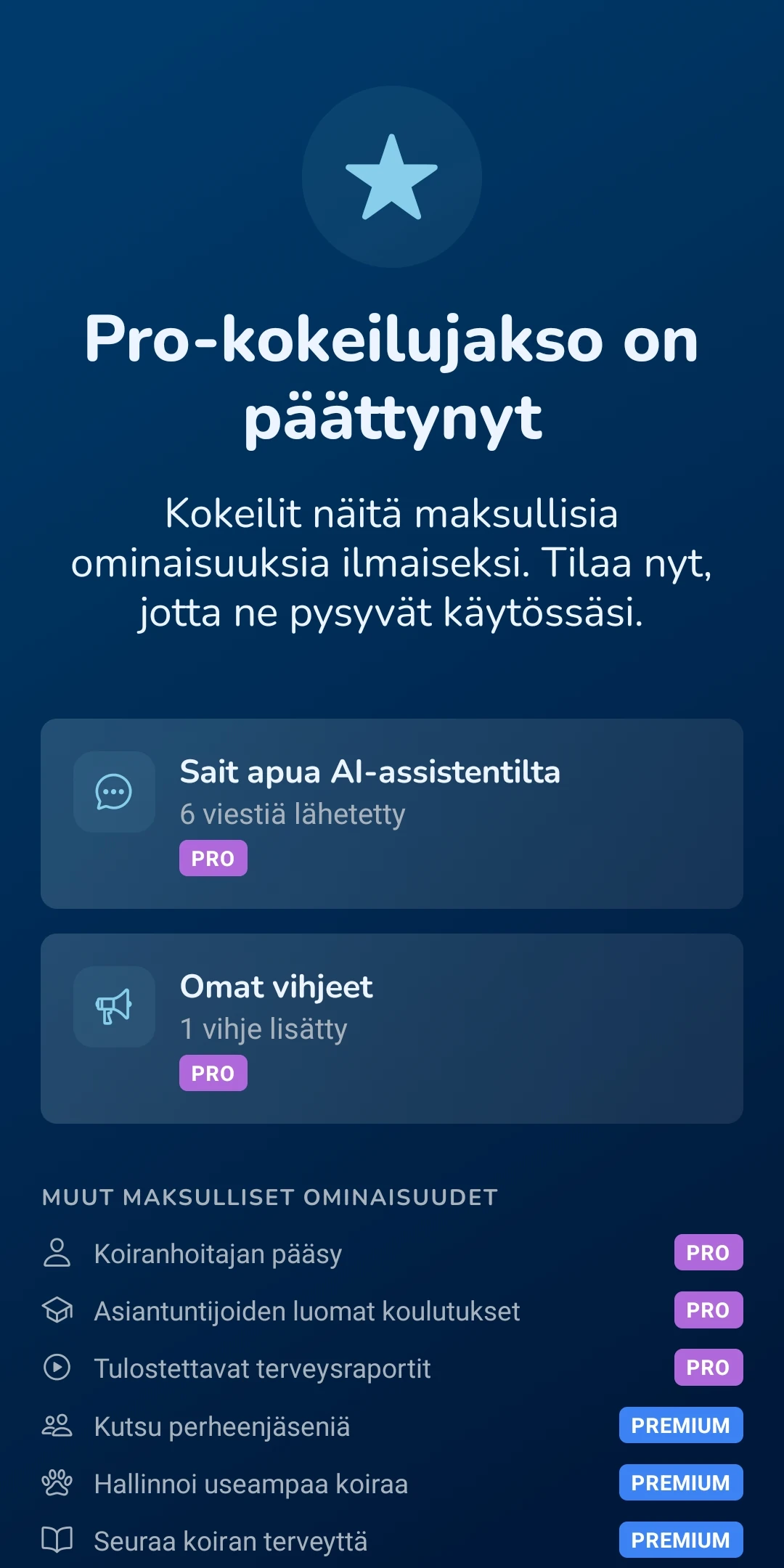
Purchase page
You will reach the purchase page, where you can activate the Google Play Store or Apple App Store purchase flow.