Household - A shared hub for family and sitters
The household brings together family members, dog sitters and dogs. Sync routines and manage your shared subscription.
KoiraKaveri is built around households. A household is the app's basic unit, bringing together family members, dog sitters and dogs. Through the household, you sync care routines across the family and manage your shared subscription.
You can edit the household by choosing: Home → Menu → Household.
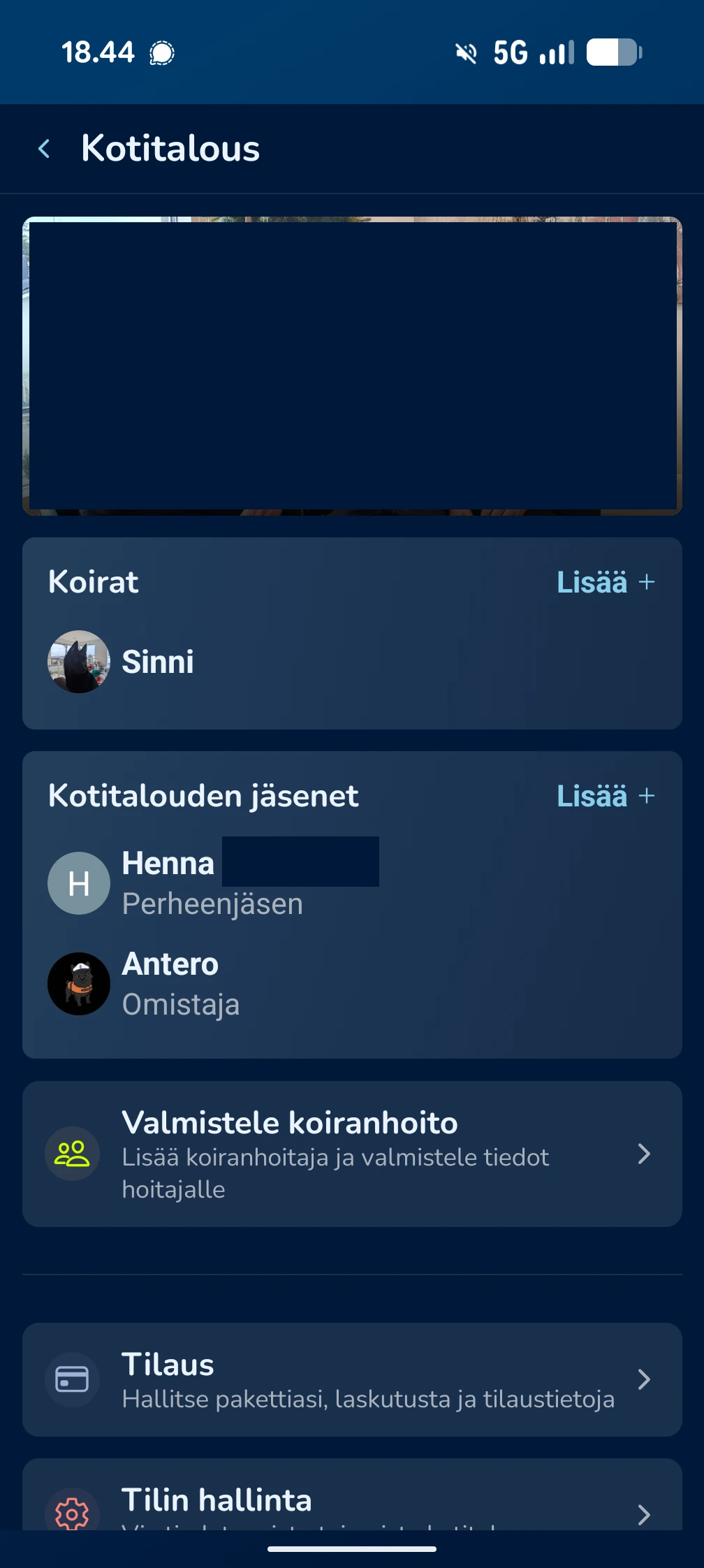
Household details and subscription
Each household has a name and image, which you can change by pressing the Edit button at the top of the household view. The subscription belongs to the household: one subscription covers the whole household.
Free
1 user and 1 dog.
Premium
Up to 2 users and 3 dogs.
Pro
Unlimited household size and unlimited dogs.
Subscription management: The household owner manages the subscription. You can view and change your plan under Subscription.
Adding members and dogs
You can expand your care network and dog family directly from the household view:
Adding dogs
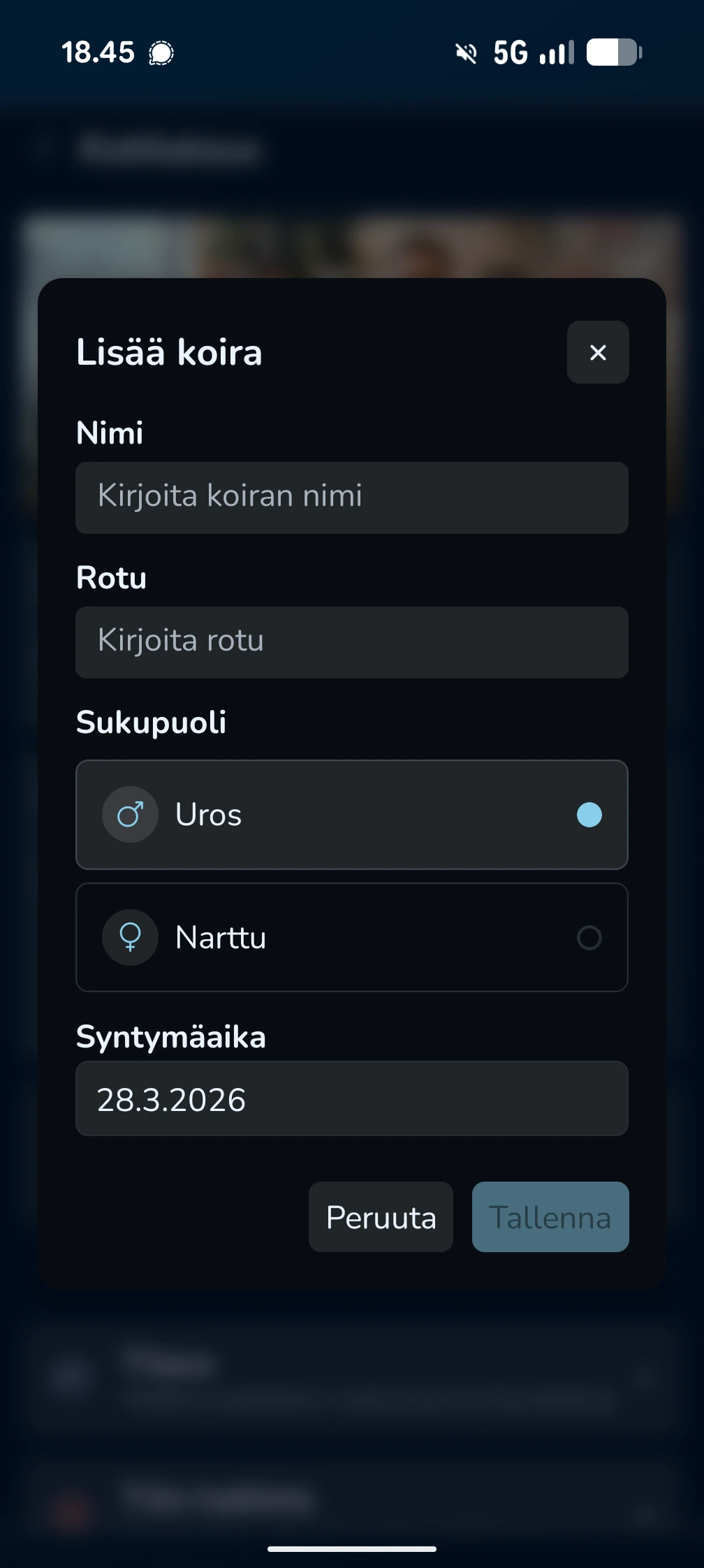
Press Add + next to the dog list and fill in basic details such as name, breed and date of birth.
Inviting users
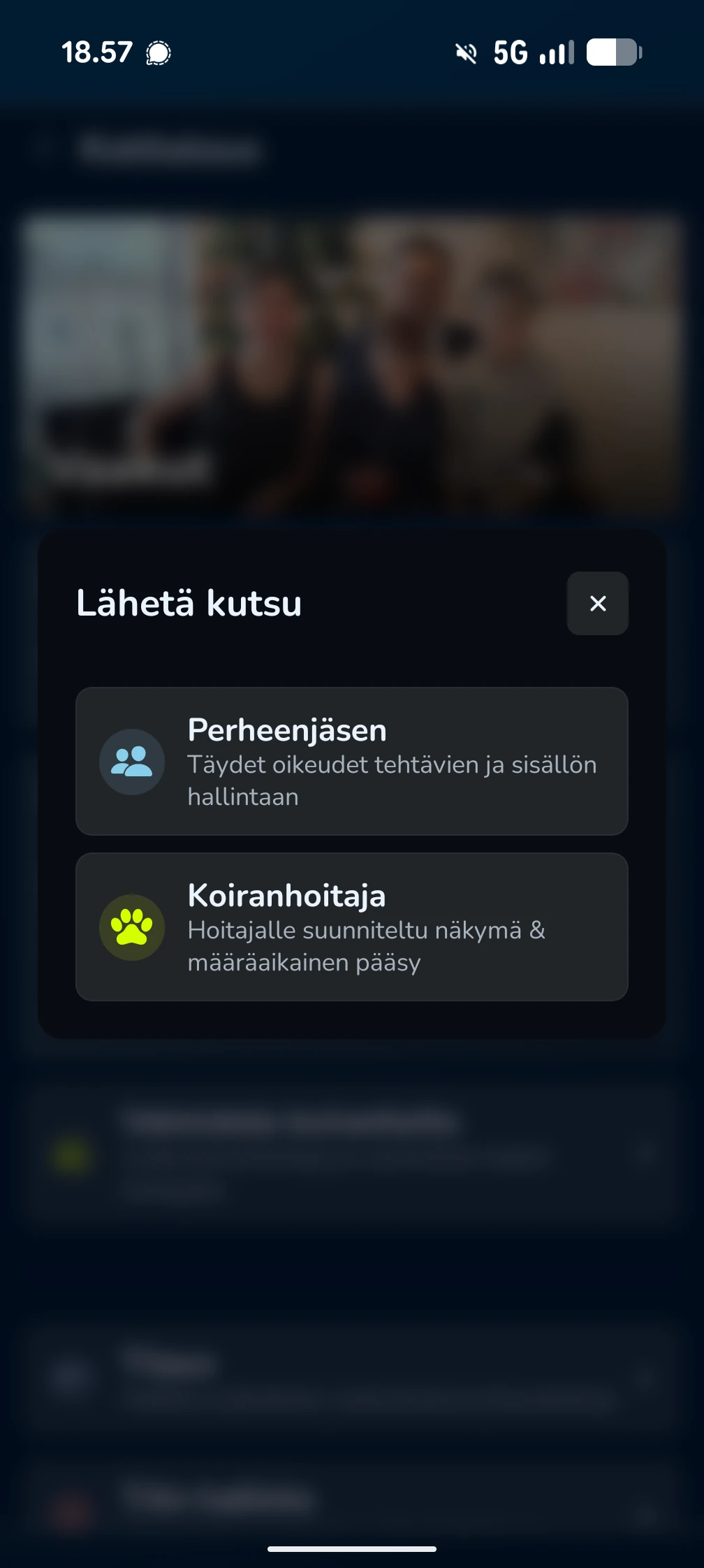
Press Add + next to the people list. You can invite a new member as either a family member with full rights or as a dog sitter with a time-limited Sitter view.
Sending the invite
You can send the invite by email or copy a link to share through WhatsApp, for example. Sent invites remain visible until they are accepted or cancelled.
User rights and ownership
A household always has one owner with primary rights to manage the subscription and data.
Changing the owner
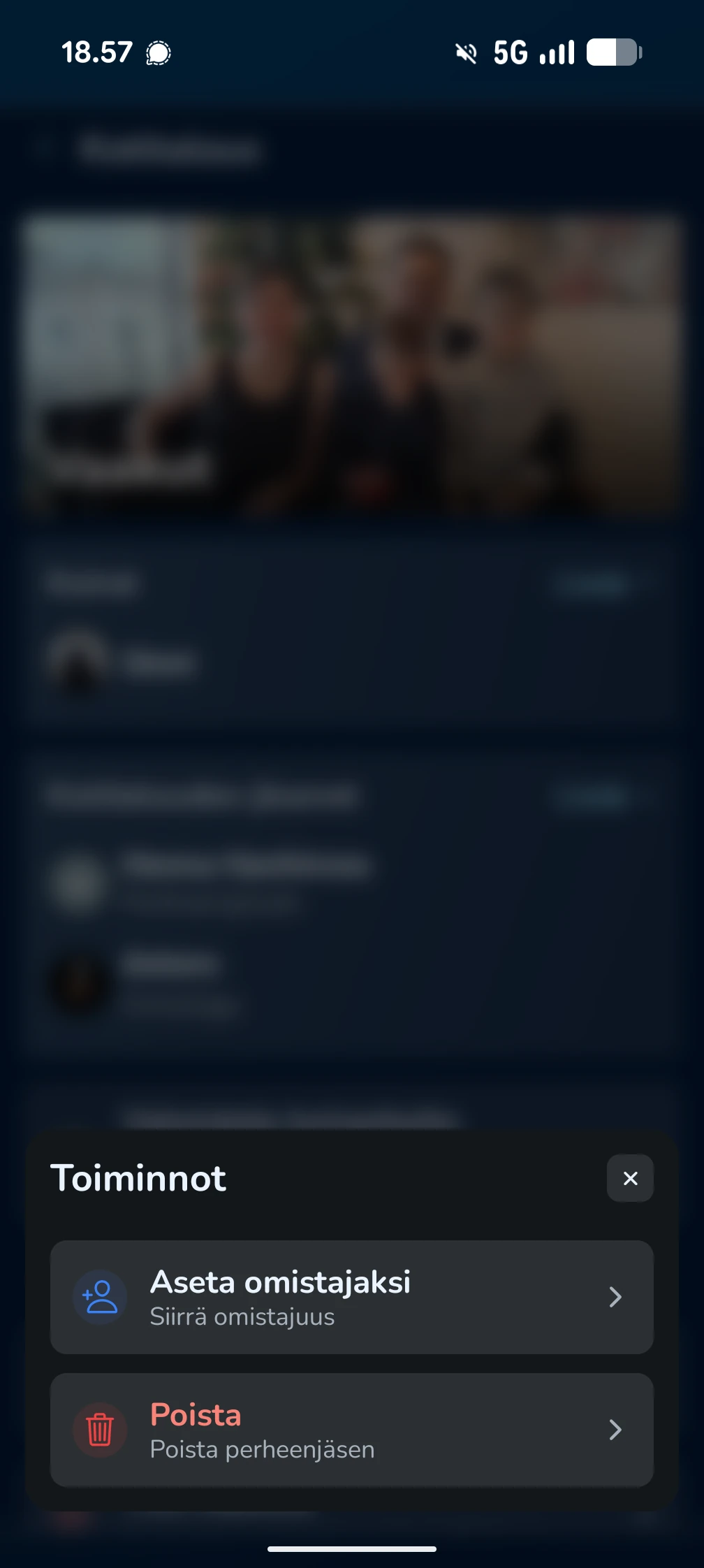
To transfer ownership to another member, long-press that member and choose Set as owner from the menu.
Removing a member
You can remove a family member or sitter by long-pressing the name and choosing Remove.
Account and household management
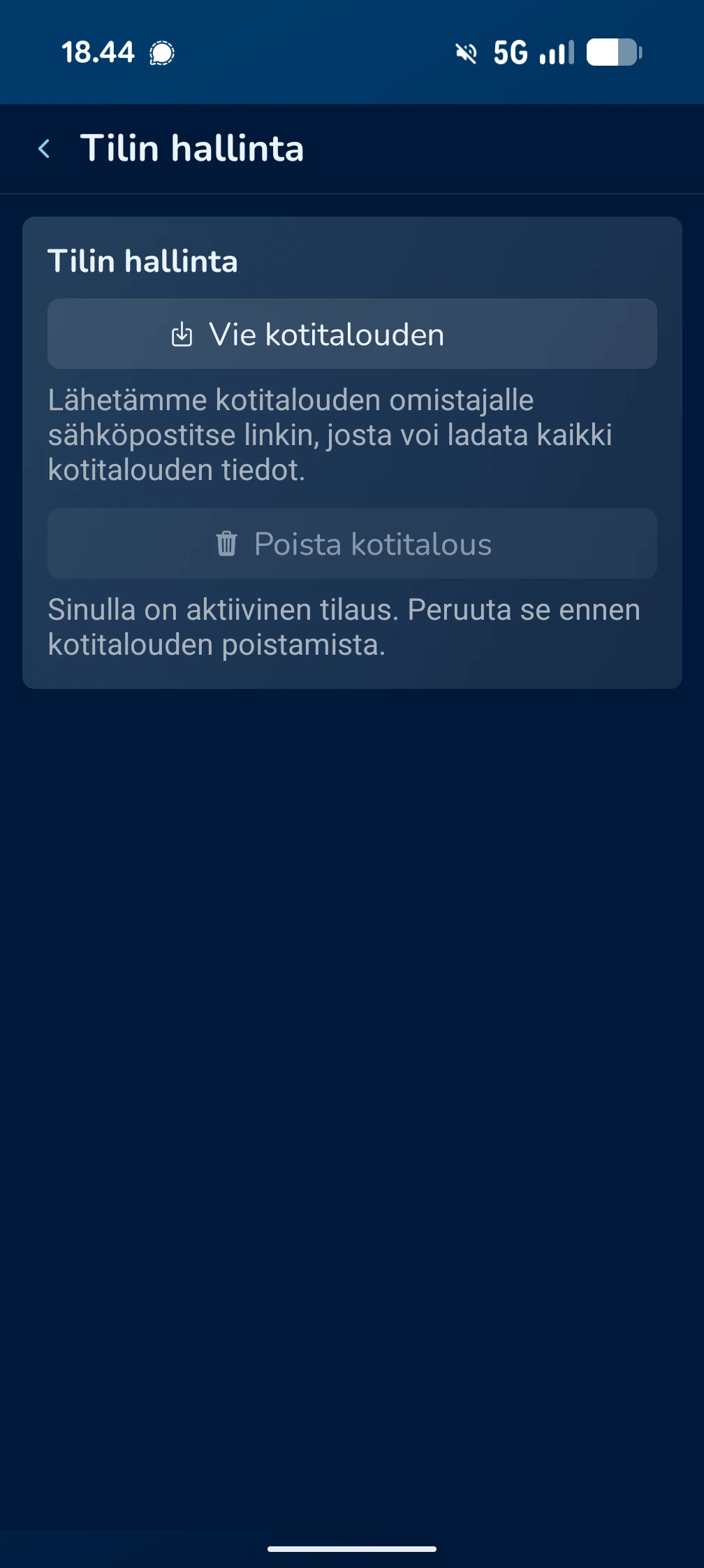
You can manage household-wide data under Account Management.
Data export
You can download all household data, including dog details, photos and health history, as one package. We send the download link to the owner's email. The link is valid only for a limited time.
Deleting the household
This action permanently deletes all data related to the household.
- Note: An active subscription must be cancelled before deleting the household.
- We always recommend exporting the data before deletion.
Frequently Asked Questions
How do I cancel my subscription?
Billing is handled through the Apple App Store or Google Play Store. You can cancel or change your subscription by going to Subscription → Manage subscription.
Can a household have two owners?
No. A household can have only one owner at a time, but ownership can be transferred between members.
What happens if I delete the household?
All data, including dog profiles, shared memories and training history, is permanently deleted and cannot be restored.