Dog Sitter - Sitter Mode for safe care
Limited, temporary access to your dog's most important information and routines. Smooth and safe collaboration with your sitter.
KoiraKaveri's dog sitter feature is designed to remove stress and uncertainty when your pet is in the care of someone outside the household. It gives the sitter carefully limited, temporary access to your dog's most important information and routines, making collaboration smooth and safe.
Note: The dog sitter feature and the related sitter view are available only with a Pro subscription.
Preparing a care period and inviting a sitter
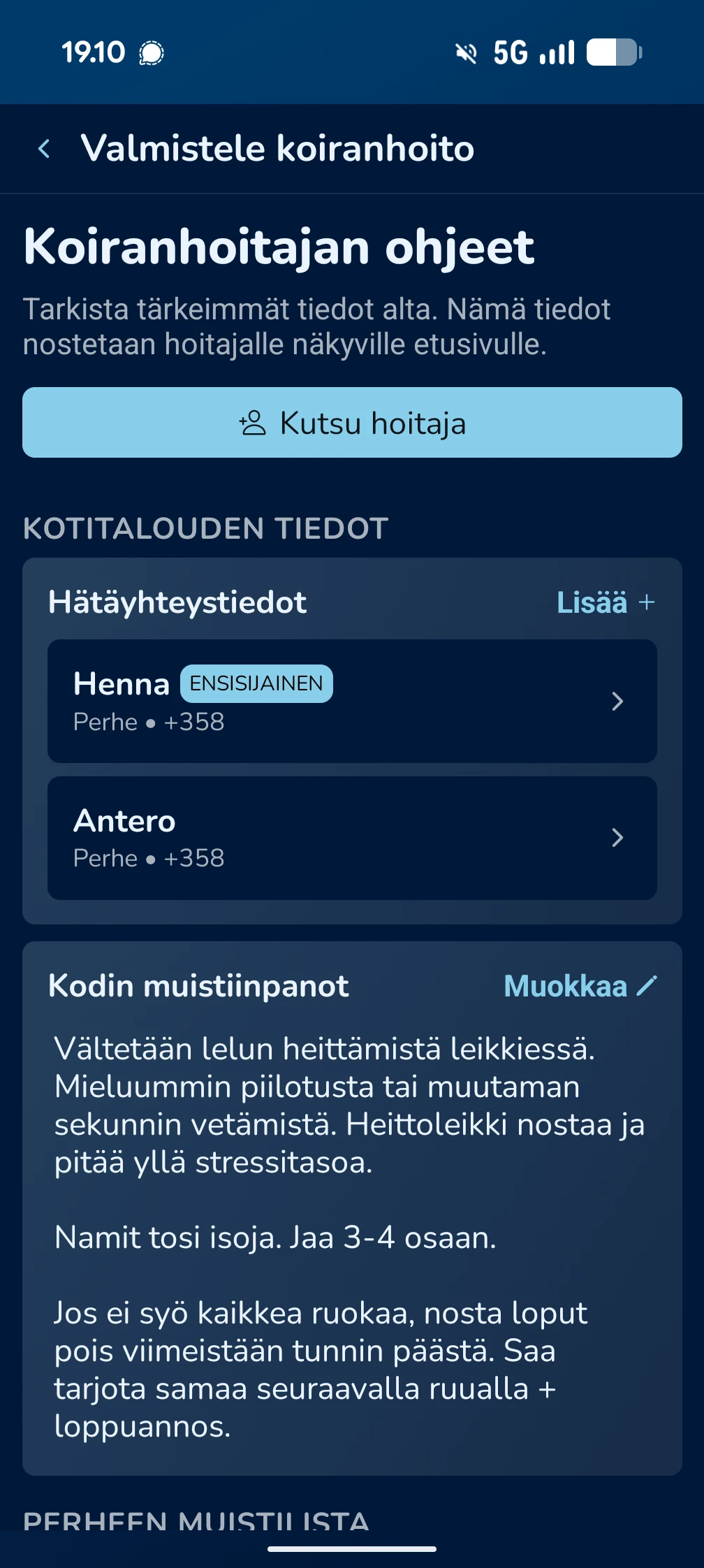
Before care begins, the owner prepares the instructions the sitter needs. You can manage them by choosing: Home → Menu → Household → Prepare dog sitting.
1. Reviewing instructions and information
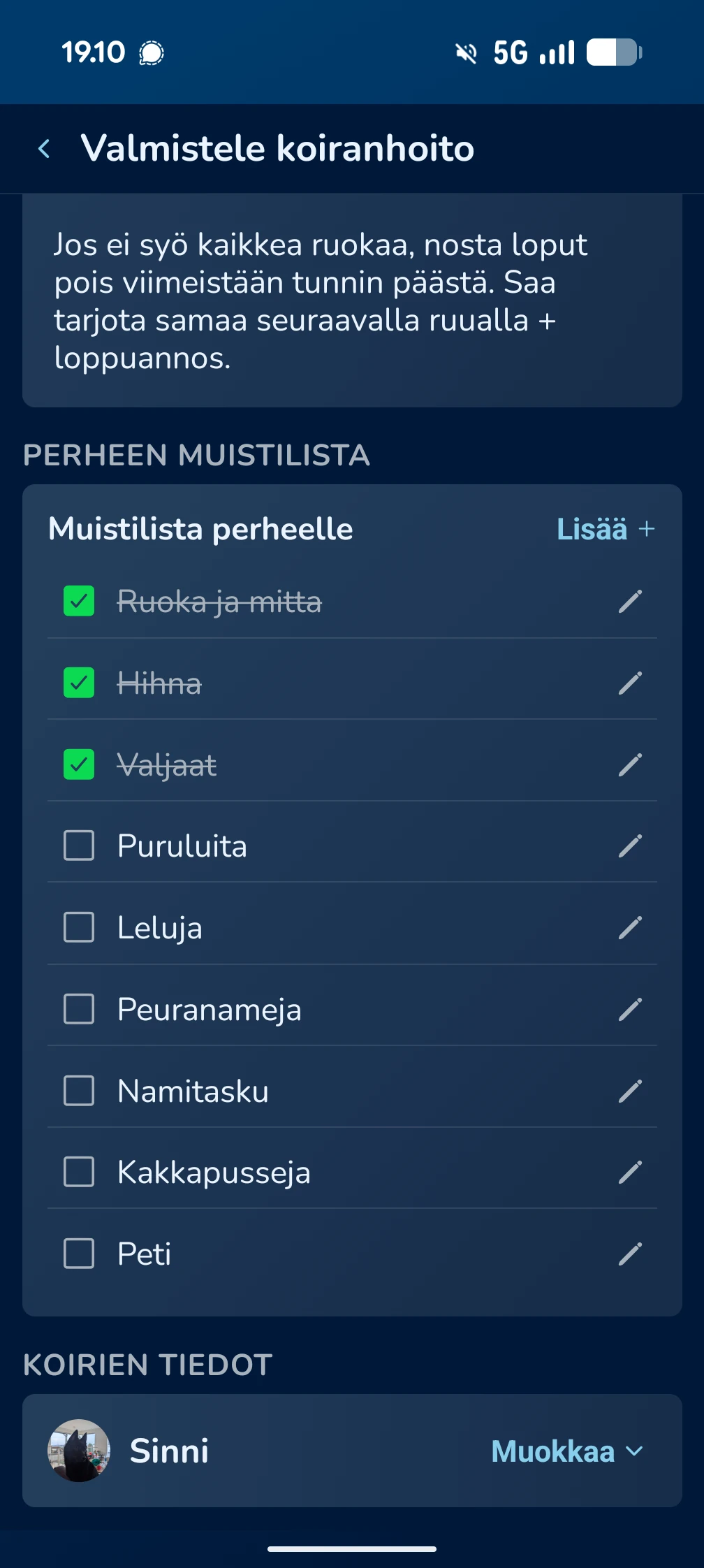
On this page, you can add and edit important information the sitter needs:
Emergency contacts
Important phone numbers the sitter can reach quickly.
Home notes
Checklists and special instructions, for example for walks or feeding.
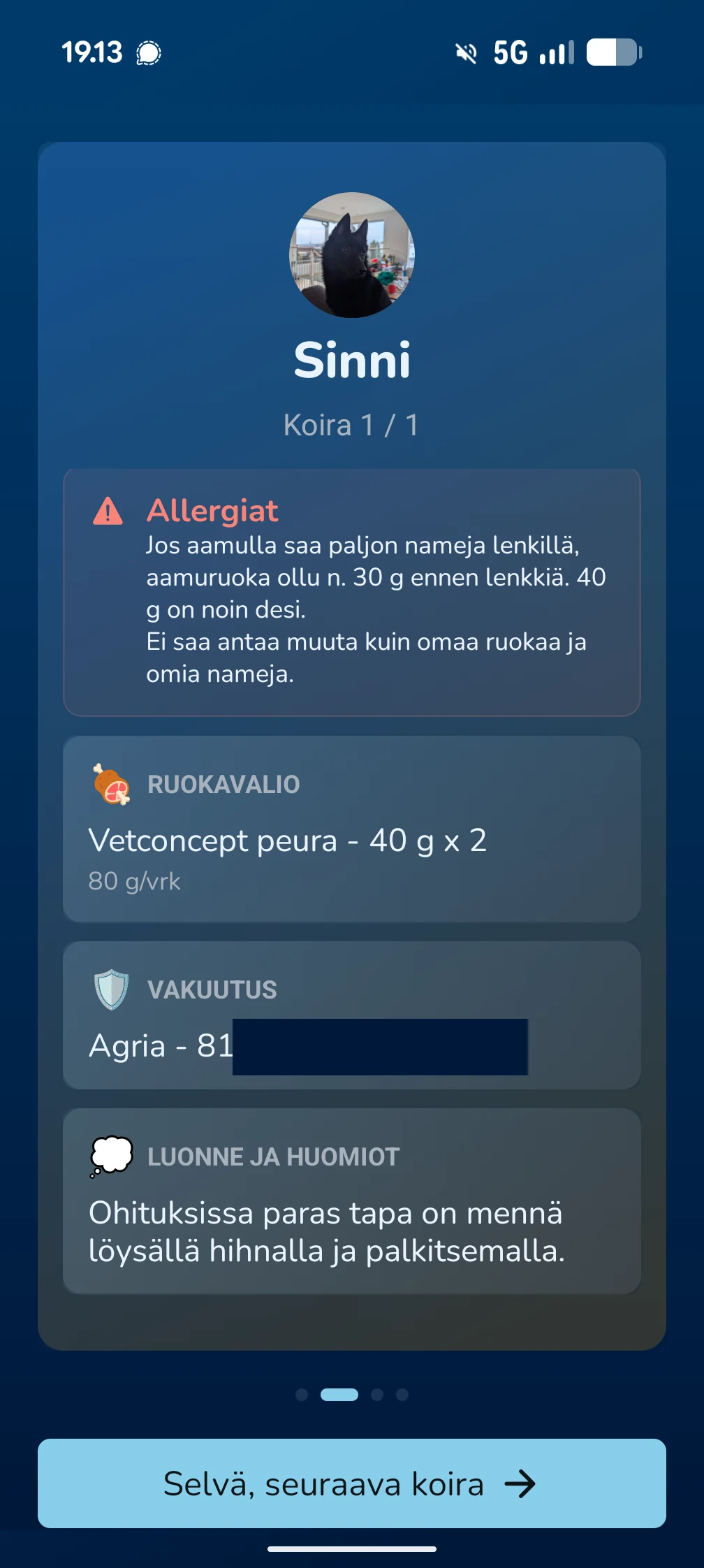
Dog details
Allergy and diet details, plus insurance numbers.
2. Inviting the sitter
Press the Add sitter button
Start the invite process from the household view.
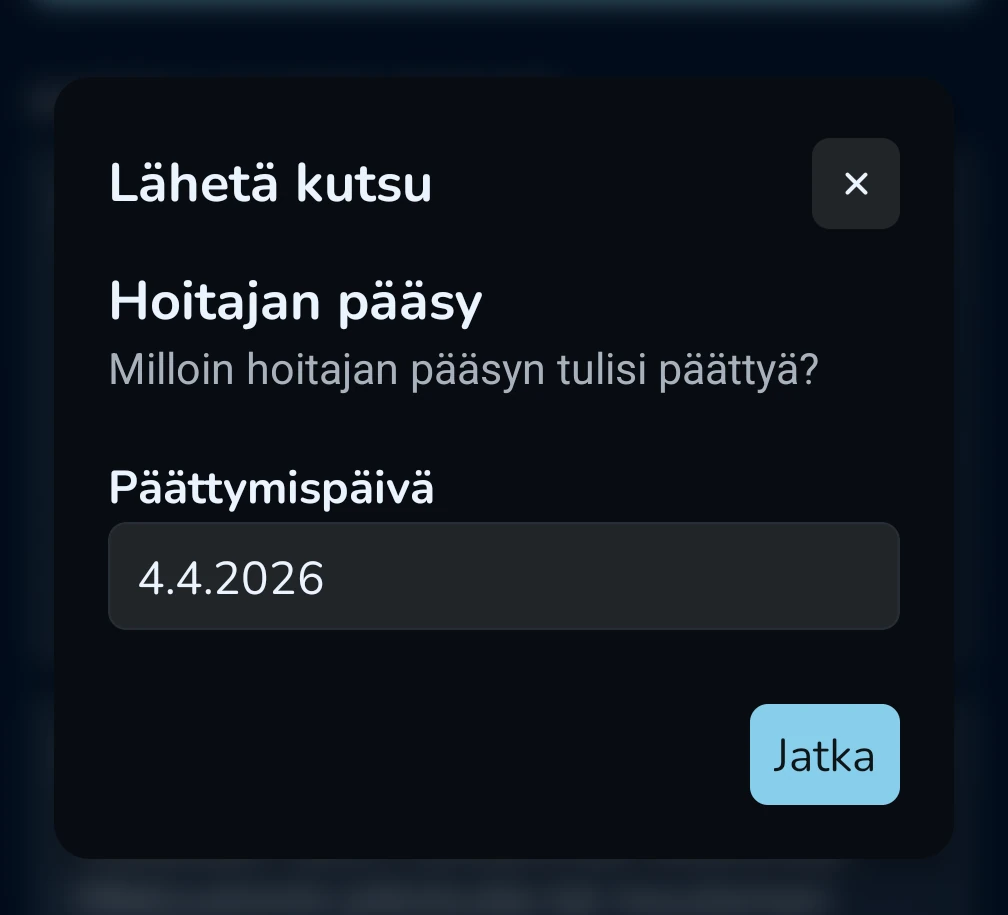
Set an end date
Define when the care period ends. The sitter's household access is removed automatically when that day ends.
Deliver the invite
You can send the invite by email or share a direct link, for example through WhatsApp.

Sitter view and features
When the sitter accepts the invite, they get a tailored view designed to make daily care easier.
Welcome onboarding
The first time, the sitter sees a summary of household instructions and routines, with a reminder to share photos for the owner.
Focus on essentials
The sitter's home screen always shows Emergency Contacts and the Dog Dictionary, so important cues and help are immediately available.
Daily schedule
The sitter sees a clear list of upcoming routines, such as feeding times and walks.
Sharing memories
The sitter can easily add photos and updates directly in the app, helping the owner stay up to date on their pet.
Switching between households and leaving
Switching households
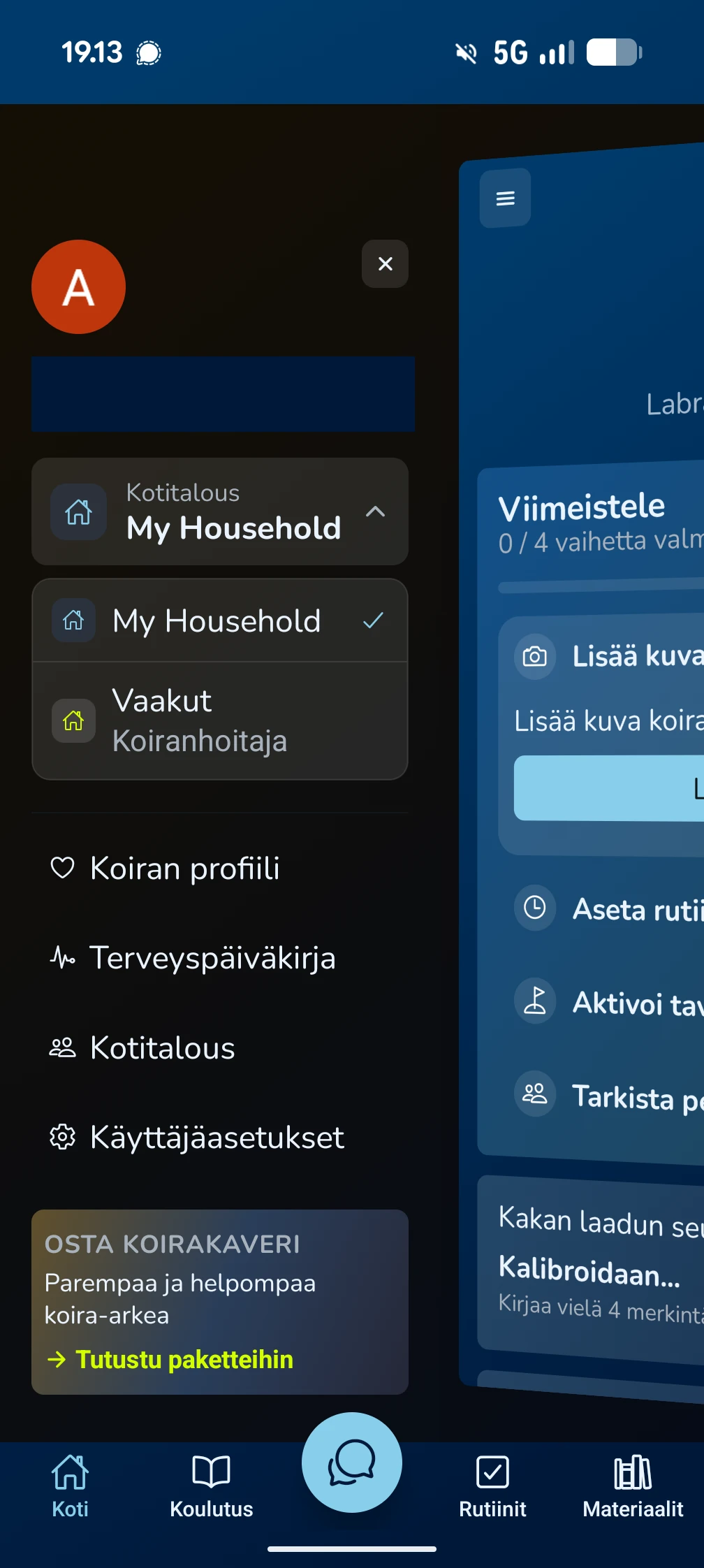
If the sitter has their own KoiraKaveri household, they can switch between views by choosing: Home → Menu → Household selection.
Ending care
The sitter can leave the household at any time by choosing End dog sitting from the menu. The owner can also manually remove the sitter's rights from household settings.
Frequently Asked Questions
Can the dog sitter see all my information?
The sitter sees only the information defined as necessary for care, such as health diary entries, the dictionary and provided instructions. They do not have access to your subscription management or other private settings.
What happens if the care period changes?
The household owner can change the sitter's access settings and end date at any time through the household view.
How does the sitter learn about a new routine?
The sitter automatically receives notifications about upcoming tasks and routines, just like family members, making sure the dog gets the care they need on time.